A paycheck budget planner organizes your money by payday instead of by calendar month. Each bill is assigned to the paycheck that arrives before it's due, so you always know what's already spoken for and what's left to spend until the next deposit.
If you're paid every two weeks and rent is due on the 1st, this is the method that stops the "we have money, but not yet" squeeze.
Why budget by paycheck?
Monthly budgets assume all your income arrives at once. Most people get paid weekly, biweekly or twice a month, while bills land on fixed dates. Budgeting by paycheck matches the plan to your bank balance:
- No surprise shortfalls when two big bills fall in the same week.
- A clear "left to spend" number for groceries and gas until the next payday.
- Easy handling of "extra" paychecks. Biweekly pay means two months a year with three paychecks; you can plan exactly where that third check goes.
How to assign bills to paychecks
| Bill | Due date | Amount | Paid from |
|---|---|---|---|
| Rent | 1st | $1,350 | Paycheck on the 26th (previous month) |
| Car payment | 8th | $310 | Paycheck on the 26th |
| Phone | 12th | $85 | Paycheck on the 9th |
| Electric | 18th | $140 | Paycheck on the 9th |
| Insurance | 22nd | $160 | Paycheck on the 9th |
| Streaming | 25th | $23 | Paycheck on the 23rd |
The rule: a bill gets paid from the most recent paycheck that arrives before its due date, with a few days of buffer. If one paycheck ends up overloaded, call the company and ask to move a due date. Many will.
A sample paycheck plan
Paycheck of $1,900 on the 9th:
| Line | Amount |
|---|---|
| Phone, electric, insurance | $385 |
| Groceries (2 weeks) | $320 |
| Gas | $120 |
| Savings / sinking funds | $150 |
| Debt extra payment | $100 |
| Household and personal | $150 |
| Set aside for rent on the 1st | $675 |
| Left to spend | $0 |
Splitting rent across two paychecks is what makes biweekly budgeting comfortable.
The planner we make
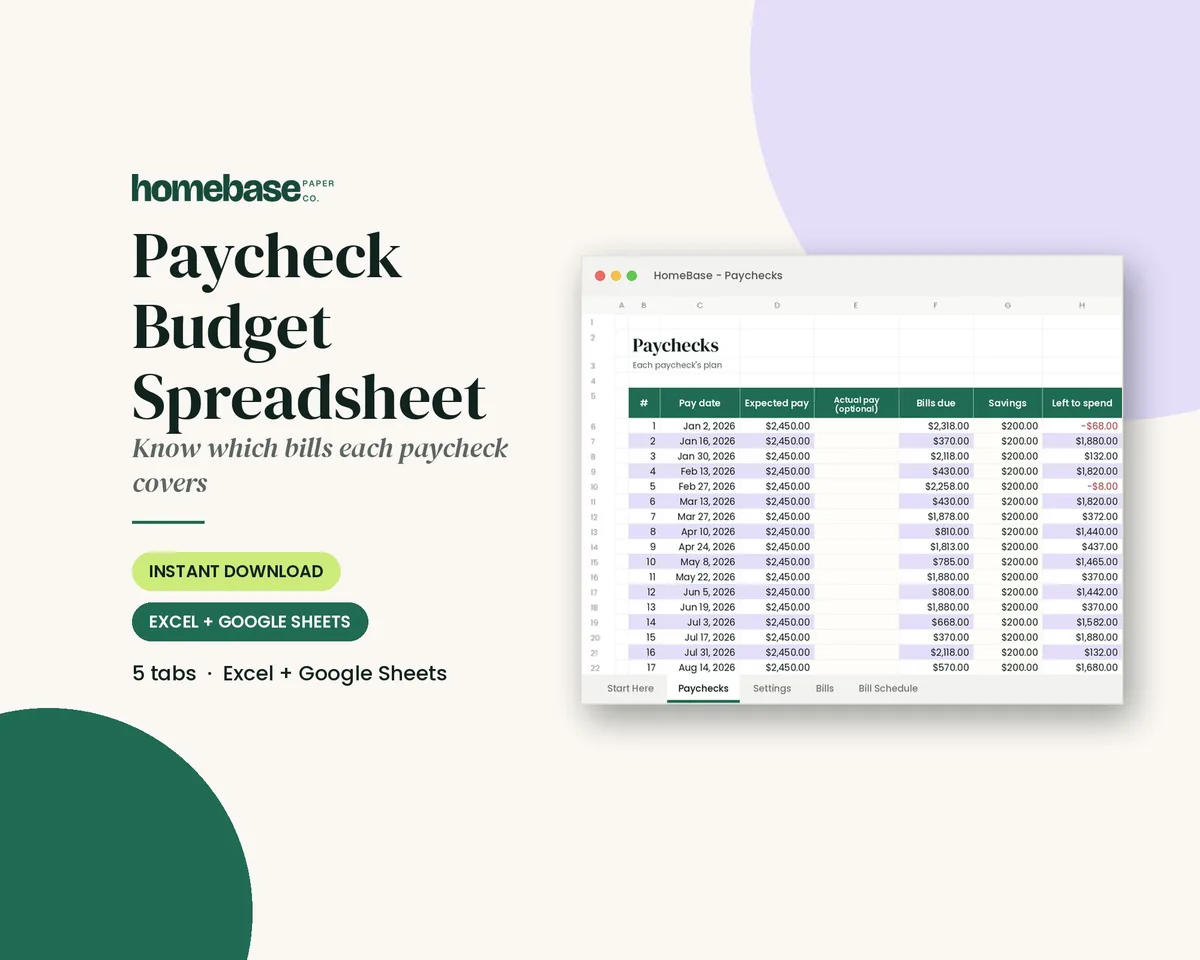
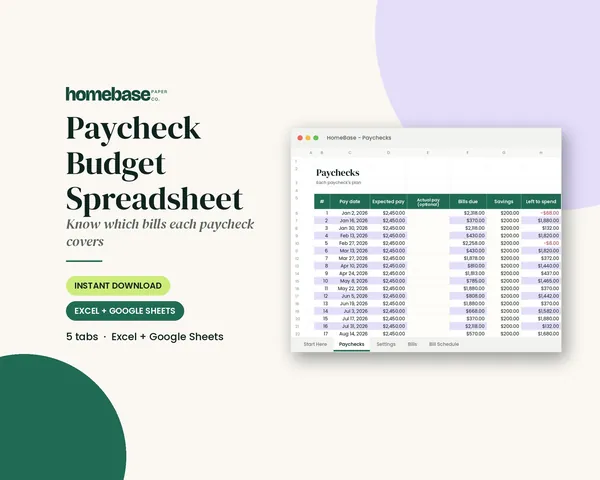
Our Paycheck Budget Spreadsheet ($5.99) works with weekly, biweekly, semi-monthly or monthly pay and calculates your pay dates for the whole year. Enter your bills once and it schedules all 12 months, assigns each bill to the right paycheck automatically, lets you override any bill's paycheck, and shows left-to-spend for every pay period, with paid checkmarks as you go. It works in Excel and Google Sheets.
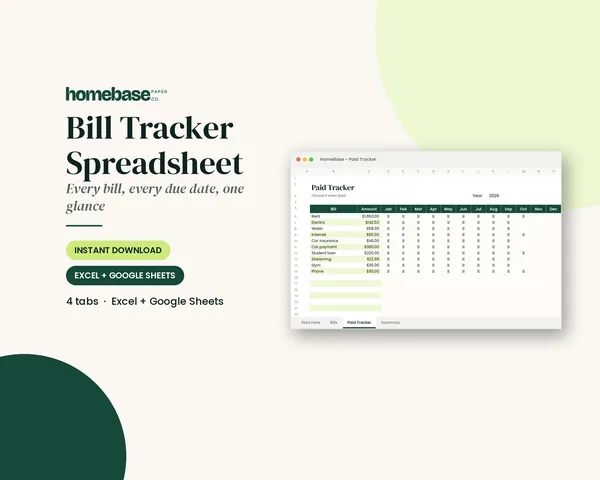
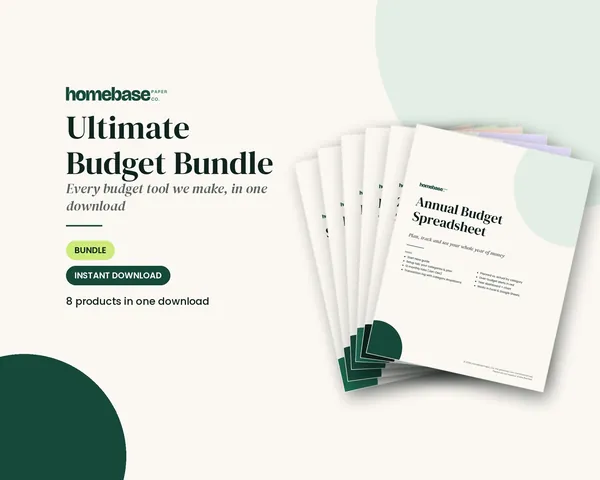
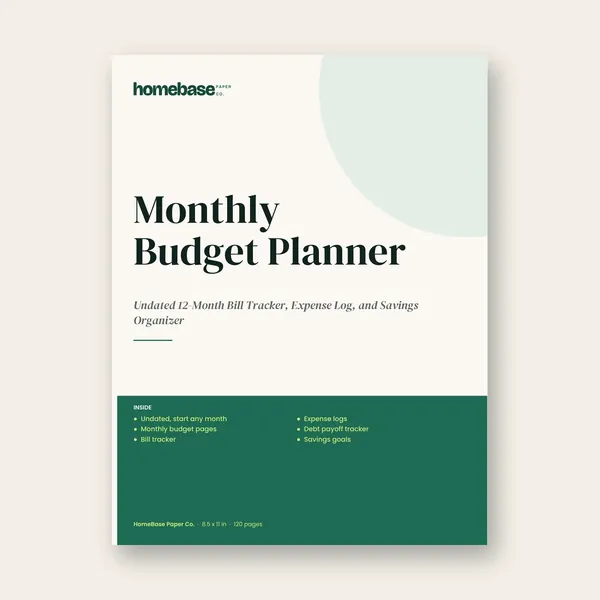
Pair it with the Bill Tracker Spreadsheet ($4.99), which turns bills due in three days or less red. Both are included in the Ultimate Budget Bundle ($19.99). If you'd rather write it out, the Monthly Budget Planner paperback has undated bill tracker and budget pages.
Set it up in five steps
- Enter your pay frequency and next payday. The planner fills in every payday for the year.
- List every bill with its usual due date and amount, including annual ones like car registration.
- Review the automatic assignments. Move anything that leaves a paycheck too tight.
- Add your spending lines (groceries, gas, savings) to each paycheck.
- On payday, tick off bills as you pay them and keep an eye on left to spend.
What to do with a third paycheck
Biweekly earners get 26 paychecks a year, so two months have three. Because your regular bills are already covered by the other two, the third check is mostly free. Popular uses: an emergency fund boost, a big debt payment, pre-funding next month's rent, or a sinking fund for holidays and car repairs. Decide before it arrives.
Paycheck budgeting for couples
If two people are paid on different schedules, budget each paycheck separately, then decide which bills each one covers. A common setup: the larger or more regular paycheck covers fixed bills like rent and insurance, while the other covers groceries, gas and savings. Sit down for ten minutes on the first payday of the month and check that both plans still line up. Writing it down ends the "did you pay the electric?" texts, because the answer is on the page.
Common mistakes
- Treating the whole paycheck as spendable before setting aside part of the next big bill.
- Ignoring annual bills. Divide them across paychecks so they don't ambush you.
- No buffer. Keep a small cushion in checking in case a paycheck posts a day late.
This planner organizes your own numbers and isn't financial advice.
Frequently asked questions
How do you budget by paycheck?
List every bill with its due date, then assign each one to the most recent paycheck that arrives before it's due. Subtract those bills and planned spending such as groceries, gas and savings from each paycheck until every dollar has a job. Repeat for each pay period.
Does the paycheck budget work for biweekly pay?
Yes. The Paycheck Budget Spreadsheet supports weekly, biweekly, semi-monthly and monthly pay. It calculates every pay date for the year, assigns bills to the right paycheck automatically, and handles the months with a third biweekly paycheck.
What should I do when one paycheck has too many bills?
Split large bills like rent across two paychecks by setting part aside each time, or call the company and ask to move the due date. Many utilities, card issuers and insurers allow it. The spreadsheet also lets you override which paycheck pays any bill.
Can I use it in Google Sheets?
Yes. It's an .xlsx file that opens in Microsoft Excel or in Google Sheets after uploading it to Google Drive. A Start Here PDF explains setup, which is easiest on a computer; after that it works on a phone or tablet.
Free download
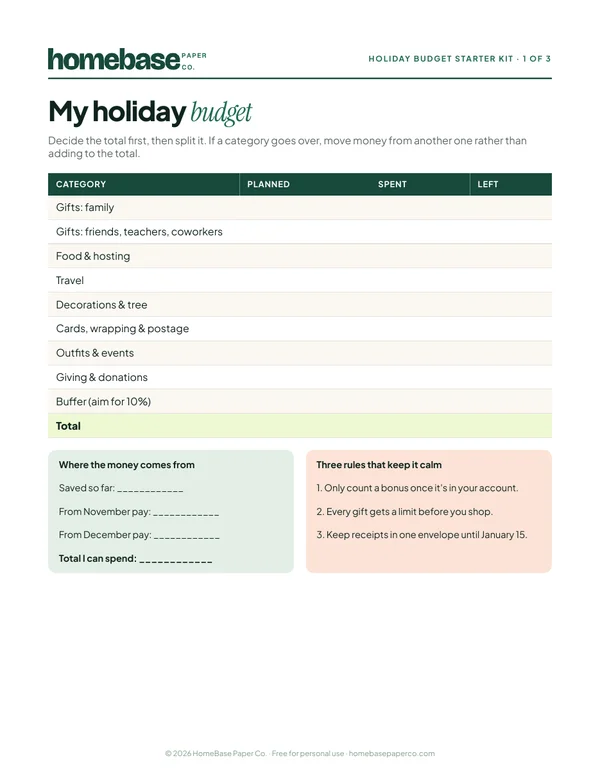
The Holiday Budget Starter Kit
A one-page holiday budget, a gift list with a spending limit for every person, and a 6-week countdown so December stays calm and paid for.
Free, no sign-up needed.