A large print password book gives every website, username and password its own clearly labeled space, with type big enough to read without hunting for glasses. For many older adults, and anyone who doesn't trust a password manager, it's the simplest way to stop resetting passwords every week.
Here's what to look for, how to keep one safe, and the one we make.
What makes a password book easy to use
| Feature | Why it matters |
|---|---|
| Large print labels (14 to 16 point) | Readable without strain |
| A to Z tabs you can see from the edge | Find the bank in seconds |
| Roomy writing lines | Long passwords fit without cramming |
| A "changed password" line | Updates don't turn into scribbles |
| Notes space | Security questions, PIN hints, account numbers |
| Extra pages for Wi-Fi and email | The two things people need most often |
| Discreet cover | Doesn't announce what it is |
Small books with tiny lines tend to get abandoned. If you're buying for a parent or grandparent, lean toward bigger.
Our large print logbook
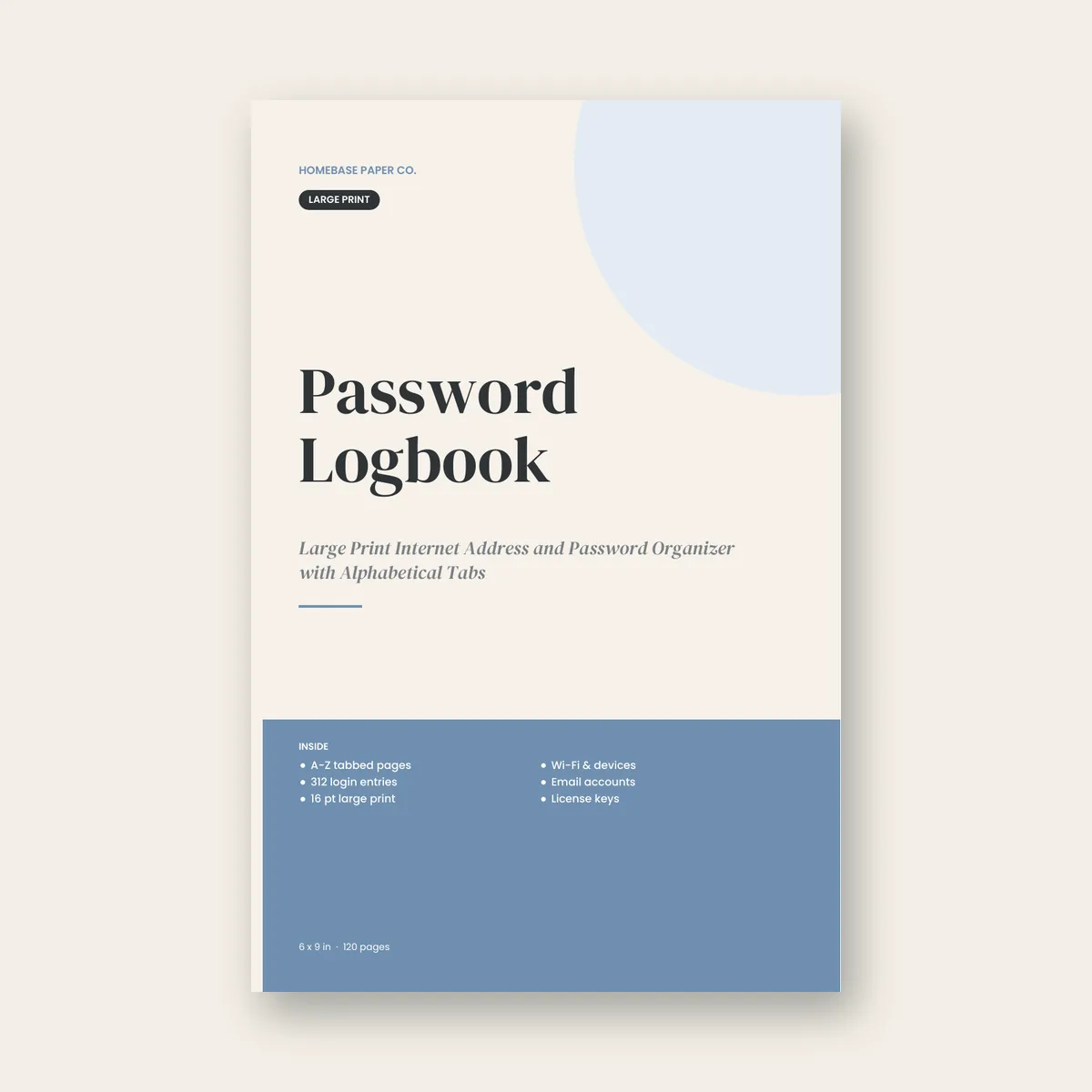
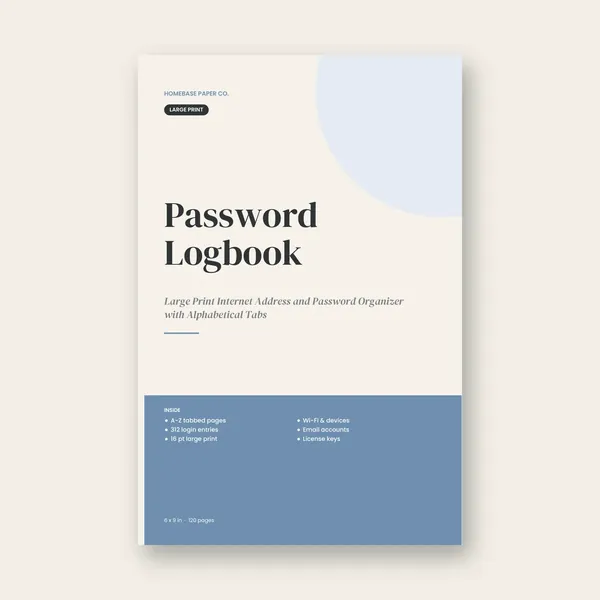
The Password Logbook (paperback, $8.99) is designed for exactly this:
- A to Z tabs: four pages per letter, each with a big printed tab, so finding Netflix or the bank takes seconds.
- 312 entries: three roomy entries per page, with lines for website, username, password, changed password and notes.
- Large print: every label and instruction is set in 16 point type with generous writing lines.
- Extra pages for home Wi-Fi and devices, email accounts and recovery info, software license keys and notes.
- 6 x 9 inches, 120 pages, white paper with a matte cover, printed and shipped by Amazon.
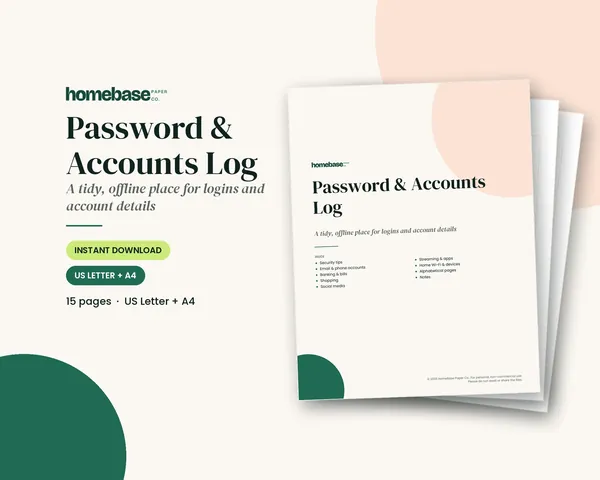
Would you rather print pages at home? The Password & Accounts Log ($3.99) is a 15-page PDF organized by category (email and phone, banking and bills, shopping, social media, streaming and apps, Wi-Fi and devices) plus A to Z pages. It encourages you to write hints instead of full passwords.
How to fill it in without getting overwhelmed
- Start with the big five: email, bank, phone carrier, Medicare or health insurance portal, and pharmacy.
- Add accounts as you use them over the next month instead of trying to remember everything at once.
- Write the website address the way you type it, so it's easy to find again.
- Use the changed password line instead of crossing out, so the latest one is always clear.
- Record recovery details for email accounts: the backup phone number and backup email. Email is the key to resetting everything else.
Keeping a paper password book safe
A paper book can't be hacked remotely, but it can be found, so treat it like a checkbook:
- Store it out of sight, not next to the computer. A desk drawer, a locked box or a kitchen cabinet works.
- Consider writing hints for the most sensitive accounts, such as "dog's name plus the year we moved," instead of the full password.
- Never carry it in a purse or travel bag.
- Turn on two-step verification for email and banking where possible. It protects you even if a password is seen.
- Tell one trusted person where it is, for emergencies.
Password book or password manager?
A password manager app stores everything in an encrypted vault and can fill in logins automatically. It's a strong option for people who are comfortable with apps, but it adds one more master password to remember and a new tool to learn. A paper book needs no setup, works during a power or internet outage, and can be handed to a family member in an emergency. Some families use both: the manager for day-to-day logins, and the book for the handful of accounts that matter most, such as email, bank and phone. Pick the one that will actually get used.
A thoughtful gift for parents
If you're the family member who gets the "I'm locked out again" calls, a password book is a practical gift. Offer to sit down together for an hour and fill in the first ten accounts. It's a good moment to set up two-step verification and check that recovery phone numbers are current.
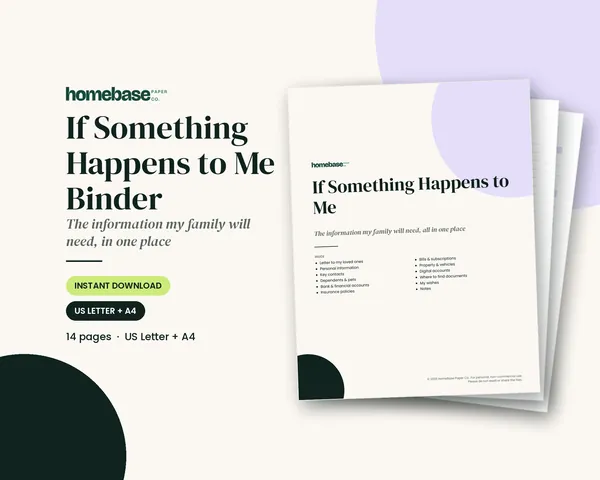
For the bigger picture of what a family would need in an emergency, accounts, insurance, bills and wishes, see the If Something Happens to Me Binder ($11.99). It has its own digital accounts page and pairs naturally with a password book.
Frequently asked questions
Is it safe to write passwords in a book?
It can be reasonably safe if the book stays at home and out of sight, because a paper book can't be hacked online. The main risk is someone at home finding it. Store it privately, consider writing hints for the most sensitive accounts, and turn on two-step verification for email and banking.
How big is the print in the Password Logbook?
Every label and instruction is set in 16 point type with generous writing lines, which makes it easier to read than most small password books. It's a 6 x 9 inch paperback with 120 pages, A to Z tabs and room for 312 entries.
What accounts should go in a password book first?
Start with email, because it's used to reset nearly everything else, then banking, the phone carrier, health insurance or Medicare portals, and the pharmacy. Add streaming, shopping and social accounts as you use them over the following weeks instead of all at once.
Can I get a printable version instead of a book?
Yes. The Password & Accounts Log is a 15-page printable PDF in US Letter and A4, organized by category and A to Z. Print it at home, add pages when you need more room, and keep it in a binder or folder stored somewhere private.
Free download
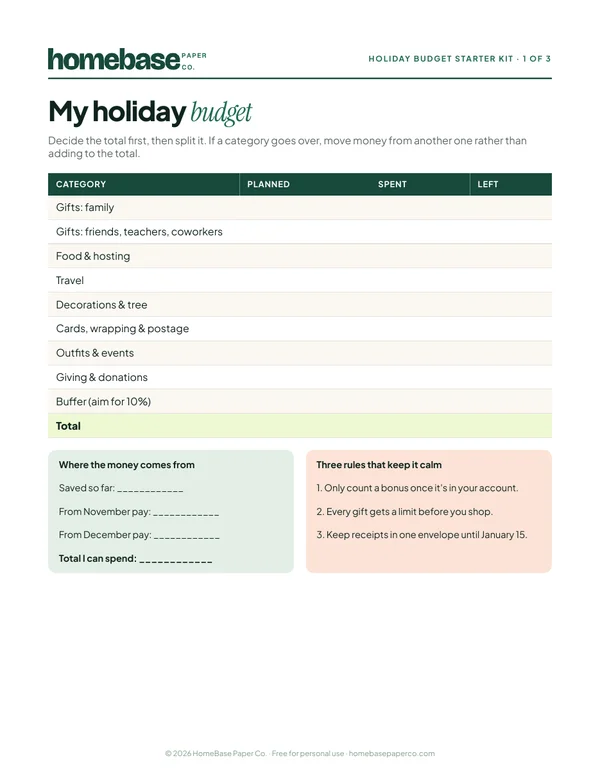
The Holiday Budget Starter Kit
A one-page holiday budget, a gift list with a spending limit for every person, and a 6-week countdown so December stays calm and paid for.
Free, no sign-up needed.